Mobile App UI/UX Design: Principles That Retain Users
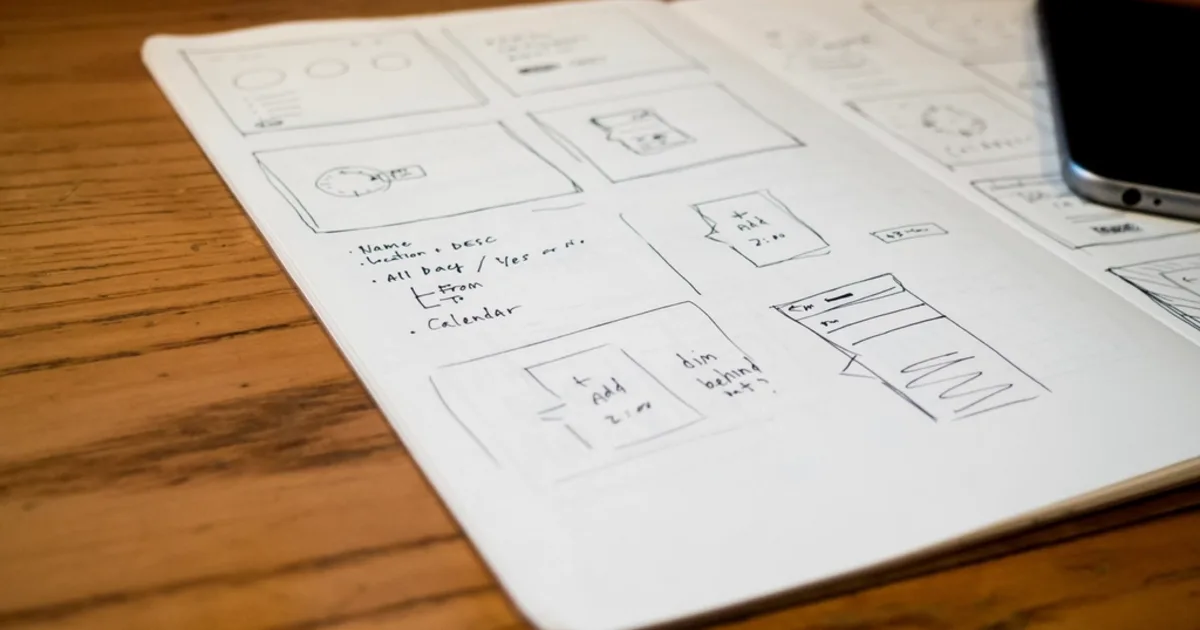
A beautiful app that is confusing to use will be deleted within days. Mobile UX design is about crafting experiences that feel effortless on a small screen with only thumbs for input, keeping users engaged and coming back.
This article covers the principles that retain users and make mobile apps a joy to use.
1. Design for Thumbs
People hold phones one-handed and tap with their thumbs, so place primary actions within easy reach near the bottom of the screen. Make touch targets large enough to hit reliably, and leave breathing room so users do not tap the wrong thing.
2. Embrace Simplicity
Reduce cognitive load
Every extra choice, field, or step costs users effort. Show only what is needed at each moment, use sensible defaults, and let people accomplish their goal with the fewest taps possible.
Clear navigation, familiar patterns, and consistent layouts let users rely on intuition instead of relearning your app on every screen.
3. Provide Clear Feedback
- Respond instantly to taps with visual feedback.
- Show progress for actions that take time.
- Communicate errors gently with guidance on how to fix them.
- Confirm important actions without nagging on trivial ones.
4. First Impressions and Retention
The first session decides whether users stay. Get them to value quickly with minimal friction, avoid demanding sign-up before they see benefit, and respect their attention. An app that delivers value fast and feels effortless earns long-term loyalty.
5. Key Takeaways
- Place key actions within comfortable thumb reach.
- Simplicity and low cognitive load keep users engaged.
- Use familiar patterns so users rely on intuition.
- Give instant, clear feedback for every interaction.
- A fast, frictionless first session drives retention.